
 Top AI Tools
BGBye Review: Free AI Background Remover for Images and Videos
A practical BGBye review for people searching bgbye, including what it does, how the upload flow works, pricing, best use cases, limits, and alternatives.
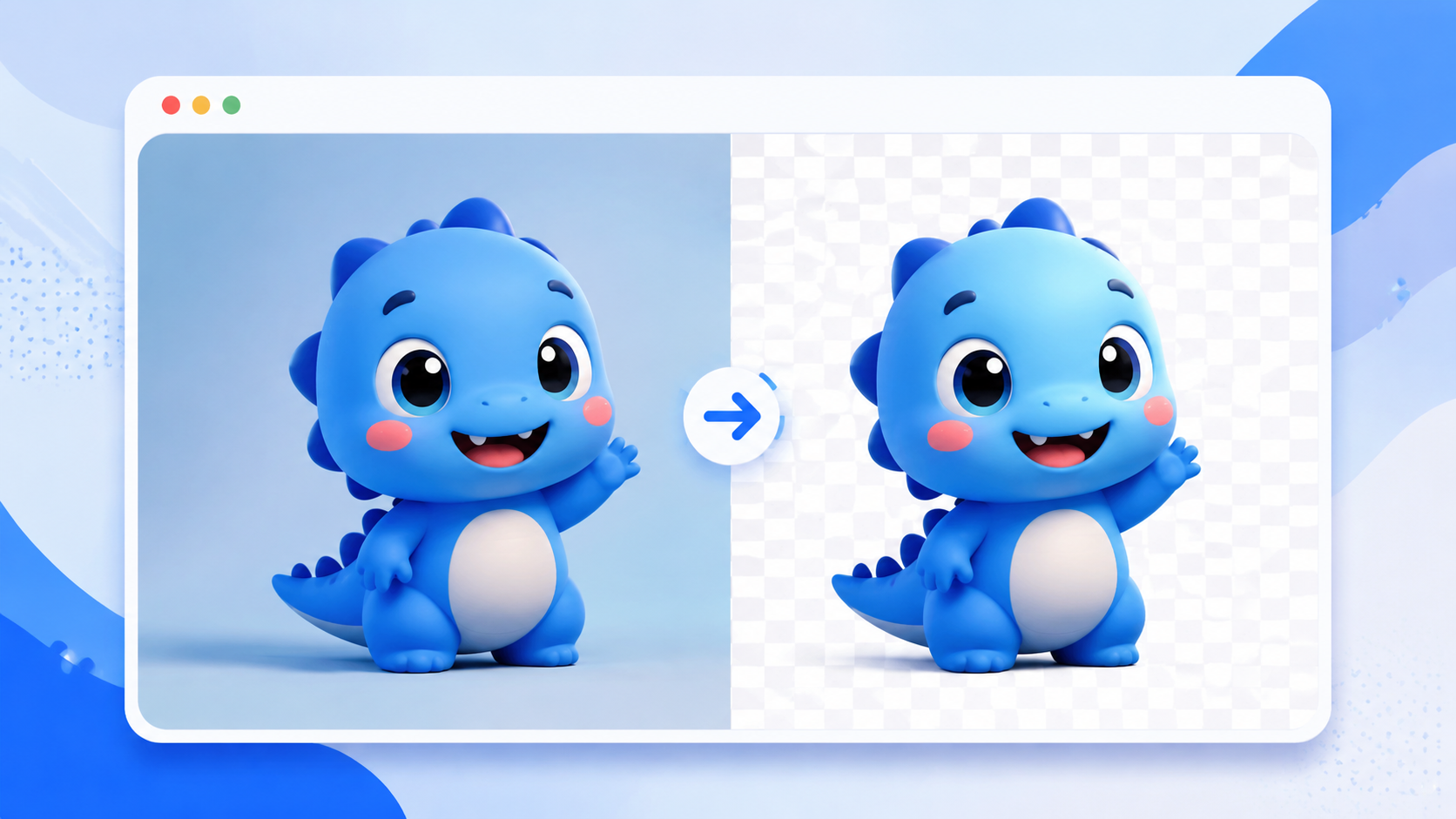
If you searched for bgbye, you probably want a quick answer: BGBye is a free AI background remover for images and videos. It is built around one clear job, removing the background from visual files without making you open a full photo editor.
I checked BGBye directly before writing this guide. The current site opens with a large upload area, a folder selection option, and a bulk removal control. The upload area says users can click, drag and drop, or paste image and video files. In my browser test, I could verify the public interface and upload entry points, but I am not going to pretend I verified every output model or video result. For a tool like this, that honesty matters: background removal quality depends heavily on the exact image, edge detail, hair, shadows, and video motion.
TLDR: BGBye is worth trying when you need a fast, free background remover for images or short visual assets. It is best for quick product photos, creator assets, profile images, thumbnails, and simple video cleanup. It is not a full design suite, and that is part of the appeal.
What is BGBye?
BGBye is an online AI tool for background removal. The official BGBye site positions it around free background removal for images and videos, with a simple upload-focused workflow. In the Top AI Tools directory, BGBye is listed as a free AI tool with strong community signal from FutureTools upvotes.
The core promise is easy to understand: bring an image or video, remove the background, and use the cleaned result somewhere else.
That makes BGBye different from broad design platforms. Canva, Adobe Express, and similar tools can do many things, but they also bring more menus, templates, and account flows. BGBye is more focused. If the task is “remove this background,” a narrow tool can be faster than a large editor.
You can also view the directory listing here: BGBye on Top AI Tools.
Why people search for bgbye
The query bgbye is a branded search. That usually means the searcher already saw the name somewhere: a tool directory, a video, a social post, or a recommendation.
Those visitors are not looking for a generic essay about AI. They want to know:
- Is BGBye the right site?
- Is BGBye free?
- Does BGBye remove image backgrounds?
- Does BGBye support video background removal?
- Is it good enough for my use case?
- What should I compare it with?
This review is written for that exact search intent.
How BGBye works
The BGBye workflow is built around a direct upload interface:
- Open BGBye.
- Upload, drag and drop, or paste an image or video.
- Use folder selection if you want to work with multiple image files.
- Use bulk removal when you need to process more than one asset.
- Review the output and download the result if it fits your needs.
That is the right structure for this category. Background removal is usually a utility task, not a long creative project. The user wants to move from source file to usable cutout with as few steps as possible.
Hands-on notes from the current BGBye site
The first thing BGBye gets right is the page hierarchy. The headline clearly communicates background removal for images and videos. The upload box is central, large, and easy to find. The secondary actions, Select Folder and Bulk Removal, sit close enough to the upload area that you can understand the workflow without reading a long help page.
The site also shows an API link and a sign-in button, which suggests BGBye may support more advanced or account-based use cases beyond a one-off upload.
One caveat: because the actual output quality depends on the file, you should test BGBye with your own image or video before relying on it for production assets. Try a simple product shot first, then test harder files with hair, transparent objects, soft shadows, or busy backgrounds.
What BGBye is good for
BGBye is most useful when the asset needs to be cleaned quickly and the downstream use is clear.
Good examples include:
- Product photos for a store listing or launch page
- Profile photos and creator headshots
- Social media thumbnails
- Marketing images that need a cleaner subject cutout
- Short visual clips where the background is distracting
- Batch cleanup for simple image sets
If the output needs pixel-level retouching, brand templates, or complex scene editing, you may still want a larger design tool after BGBye does the first cut.
BGBye pricing
BGBye is listed as Free in the Top AI Tools directory, and the public site presents the tool as free background removal for images and videos.
That is a meaningful advantage in this category. Many background remover products are free for a small number of exports, then charge for HD downloads, batch processing, commercial use, or watermark-free files. With any free tool, you should still check the current product page before using it heavily, because pricing and limits can change.
BGBye vs other AI background removers
BGBye competes with a busy set of image editing and creator tools. The right comparison depends on what you need after the background is removed.
Compare BGBye with:
- Canva or Adobe Express if you also need templates, resizing, brand kits, and design layouts.
- Photoroom or Pixelcut if you are cleaning many ecommerce product photos.
- Remove.bg-style tools if your job is mainly single-image cutouts.
- Video editing tools if you need timeline editing, captions, transitions, or export presets after background removal.
BGBye is strongest when you want a direct remover, not a full workspace.
Where BGBye may fall short
Every AI background remover has limits. The hard cases are usually the same:
- Hair, fur, glass, and transparent objects
- Low-resolution images
- Similar colors between the subject and background
- Motion blur in video
- Busy scenes with multiple subjects
- Product shadows that should be preserved instead of removed
This does not mean BGBye is bad. It means you should judge it against the job. A profile image for a social post and a commercial product image for an ad campaign have different quality bars.
Who should try BGBye first?
BGBye is a sensible first stop for:
- Creators who need thumbnails or cutouts quickly
- Founders preparing launch assets without a designer
- Marketers testing ad creative concepts
- Ecommerce sellers cleaning simple product photos
- Operators who need a free background remover before choosing a paid editor
It is less ideal as the only tool for teams that need approval workflows, brand systems, asset libraries, or advanced retouching.
Quick checklist before using BGBye
Before you upload a file, decide what “good enough” means:
- Do you need transparent PNG output?
- Is the subject edge clean enough at full size?
- Does the tool preserve important shadows?
- Are you processing one file or many files?
- Do you need image background removal, video background removal, or both?
- Will the result be used publicly, commercially, or just internally?
These questions help you choose between a focused remover like BGBye and a broader design workflow.
Final thoughts
BGBye is a focused AI background remover with clear search intent behind it. People searching bgbye are not browsing casually; they want to find the tool, understand whether it is free, and decide if it can remove backgrounds from their images or videos.
For quick background cleanup, BGBye is worth testing. For more controlled design work, use it as the first step, then finish the asset in a full editor.
FAQ
Is BGBye free?
BGBye is listed as a free AI tool in the Top AI Tools directory, and the official site presents it as free background removal for images and videos. Always check the current BGBye website for the latest limits.
Does BGBye remove backgrounds from videos?
BGBye publicly positions itself around background removal for images and videos. If video quality matters, test it with the exact clip type you plan to use.
Is BGBye an AI background remover?
Yes. BGBye belongs in the AI background remover category because it uses automated background separation rather than manual tracing.
What is BGBye best for?
BGBye is best for quick background removal jobs: product shots, profile images, thumbnails, creator assets, and simple visual cleanup.
What are the best BGBye alternatives?
If BGBye does not fit your workflow, compare it with Canva, Adobe Express, Photoroom, Pixelcut, Remove.bg-style tools, and video editing apps with background removal features.
Where can I find BGBye?
Start with the BGBye profile on Top AI Tools, then use the official product link from that listing.